
Amatya ID
Free ID card maker — print-ready in 60 seconds
Student, staff, event badge, visiting card, gate pass, membership or ticket. Real card size, A4 sheets any print shop can cut, Hindi names supported. No signup.
Free, and no signup needed
Need cards a gatekeeper can scan and check? Sign in free — same tool, plus verification.
Pick a card
Nine ready designs. You can change your details any time.
Three steps, one minute
- 1
Pick a design
Nine ready formats — student, staff, event badge, visiting card, gate pass, membership, ticket. Portrait or landscape, front only or front and back.
- 2
Type the details
Only the starred fields are needed. Add a photo if you want one — it is cropped to fit automatically. Watch the card update as you type.
- 3
Download and print
PNG for WhatsApp, PDF at the exact card size, or an A4 sheet with cutting marks that any print shop can run straight away.
Why this one and not the ad-filled ones
Real card size, real print quality
Cards come out at the standard 85.6 x 54 mm at 300 DPI — the same size as a debit card, so they fit every lanyard pouch and card printer. The A4 sheet carries cutting marks and mirrors the backs for double-sided printing.
Nothing to sign up for
Pick a design, type the details, download. No account, no email, no card details, and your unfinished card is kept so you can come back and finish it later.
Hindi works properly
Names in Devanagari render correctly on the card, conjuncts and matras included — not as boxes, and not as a squashed afterthought.
Free, and honest about it
No watermark ransom, no export limit, no card details. Cards carry one small line at the bottom saying they were made here. That line is how the tool pays for itself.
Free account
When a card has to be checked, not just printed
A printed card proves nothing on its own. Sign in — still free — and every card gets a QR that anyone can scan to see who issued it, plus a gate scanner your staff can run from their own phones.
A QR anyone can check
Every card gets a QR that opens a verification page naming the account that issued it — so a stranger at a gate can tell a real card from a photocopy.
A gate scanner for your staff
Your gatekeepers scan from their own phones. Green, amber or red in a second, with the reason — and it keeps working when the venue Wi-Fi does not.
500 cards from a spreadsheet
Paste rows or upload a CSV, add a photo zip, and download the print sheets in one sitting. A whole school in an afternoon.
Expiry, renewal and instant revoke
Cards can expire on a date. A refunded ticket or a cancelled membership stops verifying the moment you revoke it, and the renewal list tells you who lapses this week.
Your own design
Bring your own HTML layout and choose exactly which fields the form asks for — or have an AI write it for you from a prompt we hand you.
Our line, quiet — then gone
Cards made without an account carry a small line at the bottom saying where they were made. Sign in and it drops to the quiet version; bring one person in through your link and it leaves your cards for good.
Your system, our cards
A REST API, an MCP endpoint for AI agents, and webhooks that tell your CRM the moment a card is issued, scanned or about to lapse.
All of it is free — 3 projects, 500 cards in each, 5 scanner seats — and grows as you bring people in. Running more than that? Pro is ₹2,490 a year: 25 projects, 5,000 cards each, 25 scanner seats, 2-year scan history and webhooks. Prepaid, no auto-charge. Building this into your own system? Read the API reference. Cards carry real people's details, so read the acceptable-use rules before you issue at scale.
Made for a particular job?
Each page opens the tool with the right design already chosen.
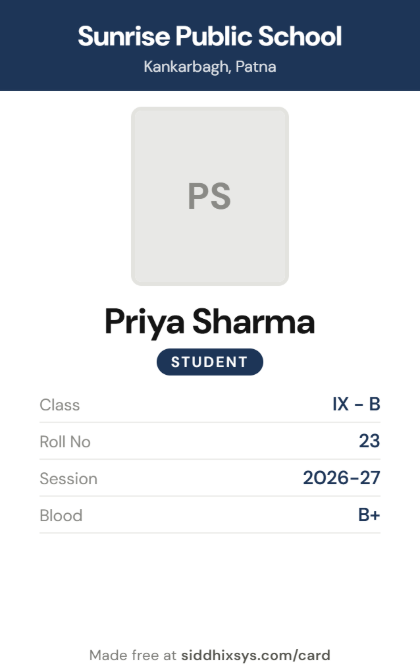 Free student ID card maker
- School ID card maker, online and free
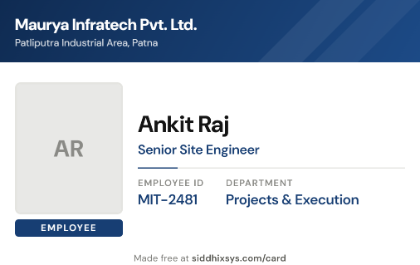 Free employee ID card maker
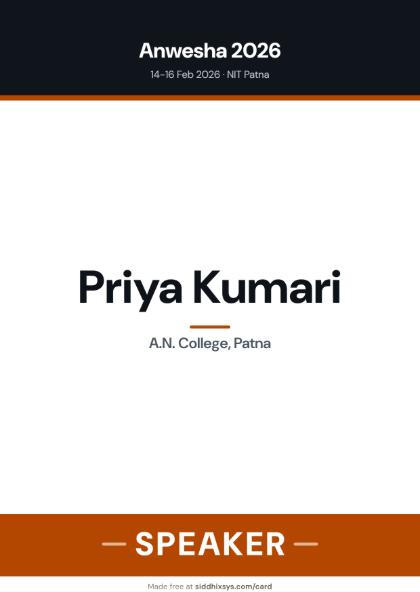 Free event badge maker
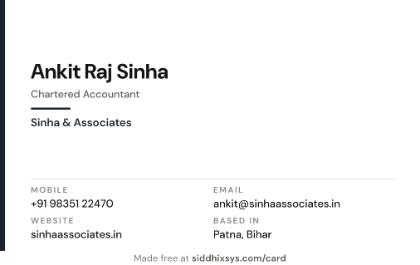 Free visiting card maker
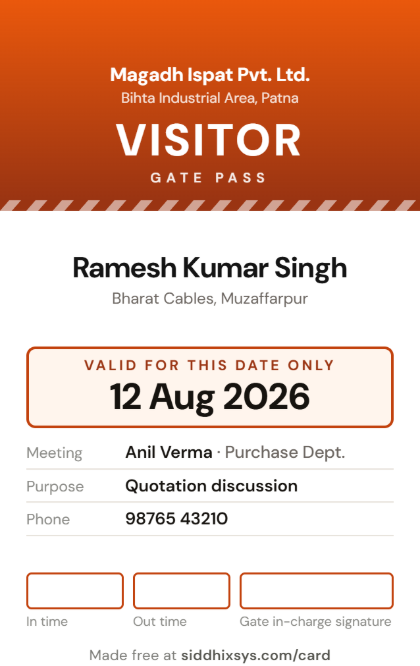 Free visitor pass maker
- Free gate pass maker
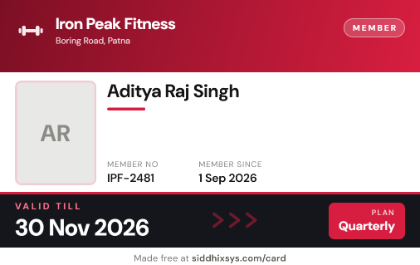 Free membership card maker
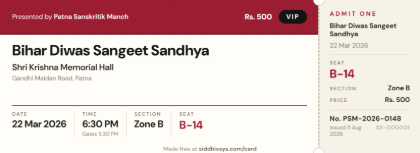 Free event ticket maker
- Free coaching institute ID card maker
- Free college ID card maker
- Free employee ID card maker
- Free teacher ID card maker
- Free admit card maker
- Free volunteer badge maker
- Free bus pass maker
Questions people ask
Is it really free?
Yes. Make as many cards as you like, download PNG and PDF, no account and no payment. Each card carries a small "siddhixsys.com/card" line at the bottom.
Do I need to sign up?
No. The generator works without any login. An account — also free — adds the things a printed card cannot do on its own: a QR anyone can scan to check the card is genuine, a gate scanner for your staff, bulk cards from a spreadsheet, and expiry dates you can revoke.
What size are the cards?
Standard CR80 — 85.6 x 54 mm, the size of a debit card — at 300 DPI, so printing is sharp. Event badges come at A6 (105 x 148 mm) and tickets at 139.7 x 50.8 mm.
How do I get these printed?
Download the A4 sheet and take it to any print shop or run it on your own printer. It places several cards on one page with cutting marks. Tell the shop to print at 100% or "Actual size" — never "Fit to page", which shrinks the cards.
Can I print both sides?
Yes, on the formats that have a back. The A4 sheet puts fronts on one page and backs on the next, mirrored left to right so long-edge double-sided printing lines up.
Can I put my school or company logo on it?
Yes. The staff, event badge, membership, ticket, visiting card and write-in badge designs all take a logo — upload a PNG or JPG and it is fitted to the slot automatically. A transparent PNG looks best.
Can I make many cards at once?
Yes. Sign in free and you can paste rows or upload a CSV — up to 500 cards in one go, with a photo zip — then download the print sheets in batches. Without an account, the form remembers the common details so one card after another is quick.
Running a school, a gym or an event?
The same team builds Amatya Tests for online exams and Amatya Tutor for fee ledgers. If you already run tests here, a class list becomes admit cards with a scannable gate in one click.